Watching TV
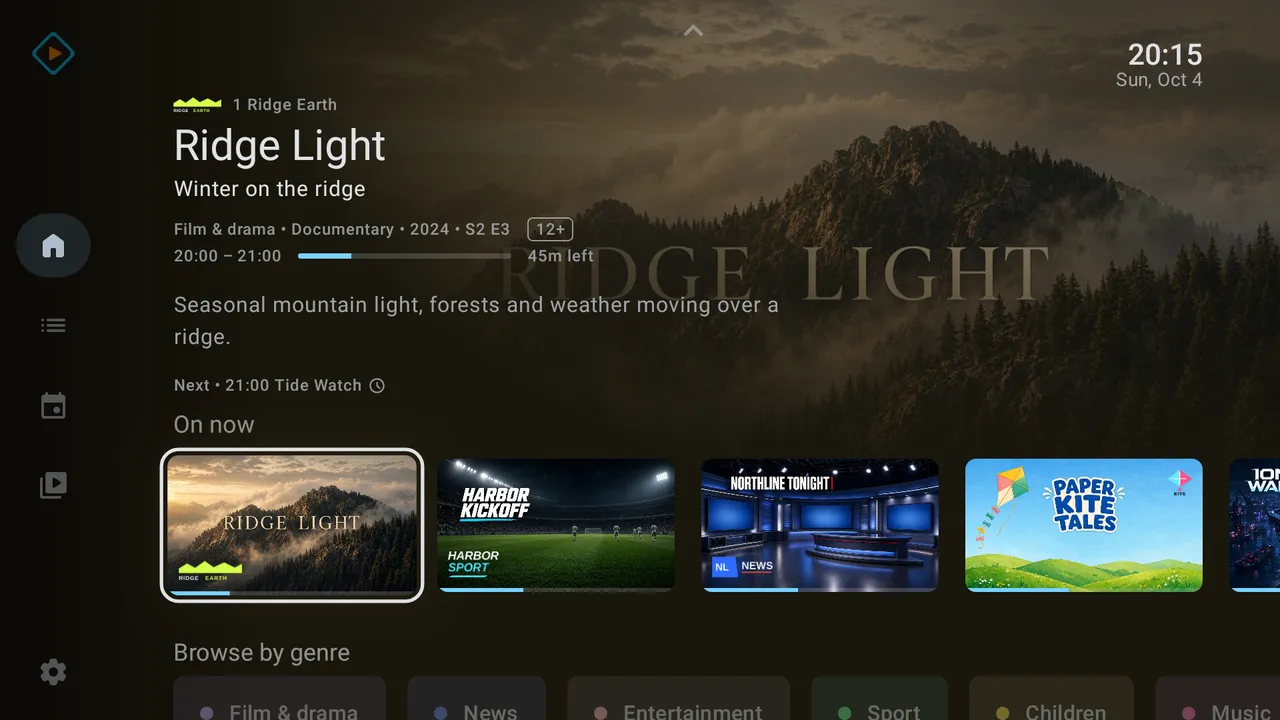
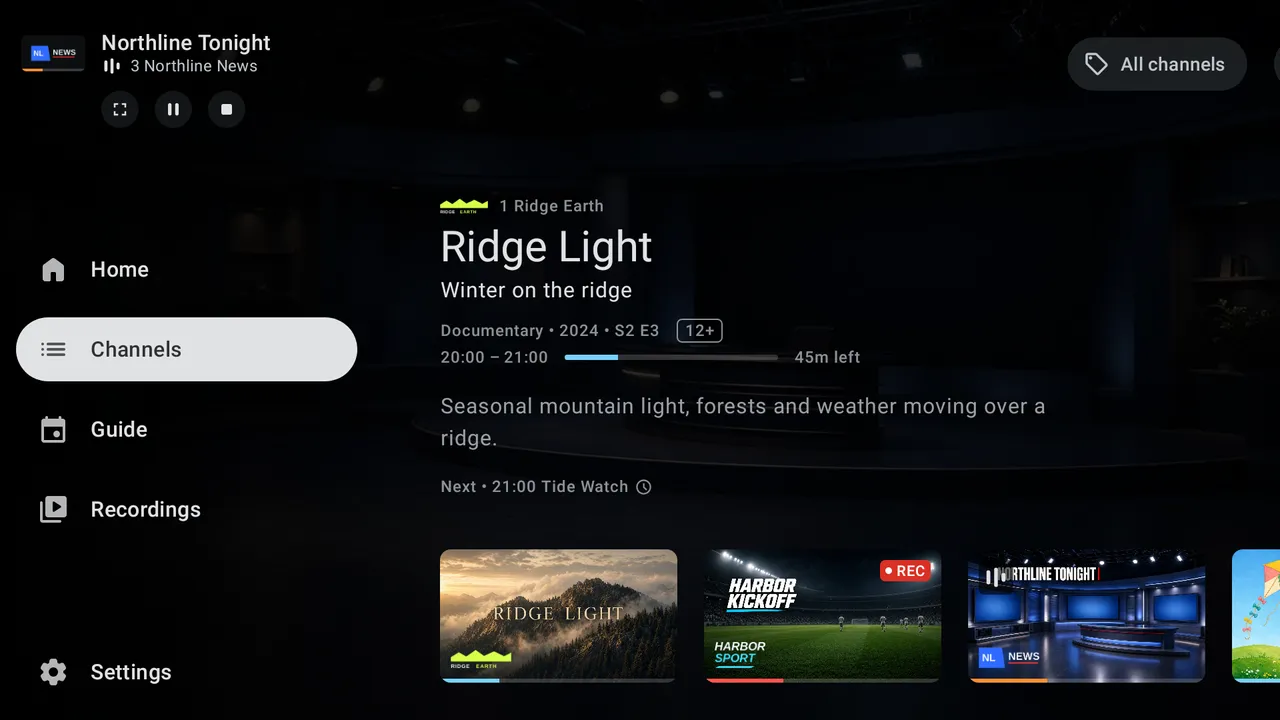
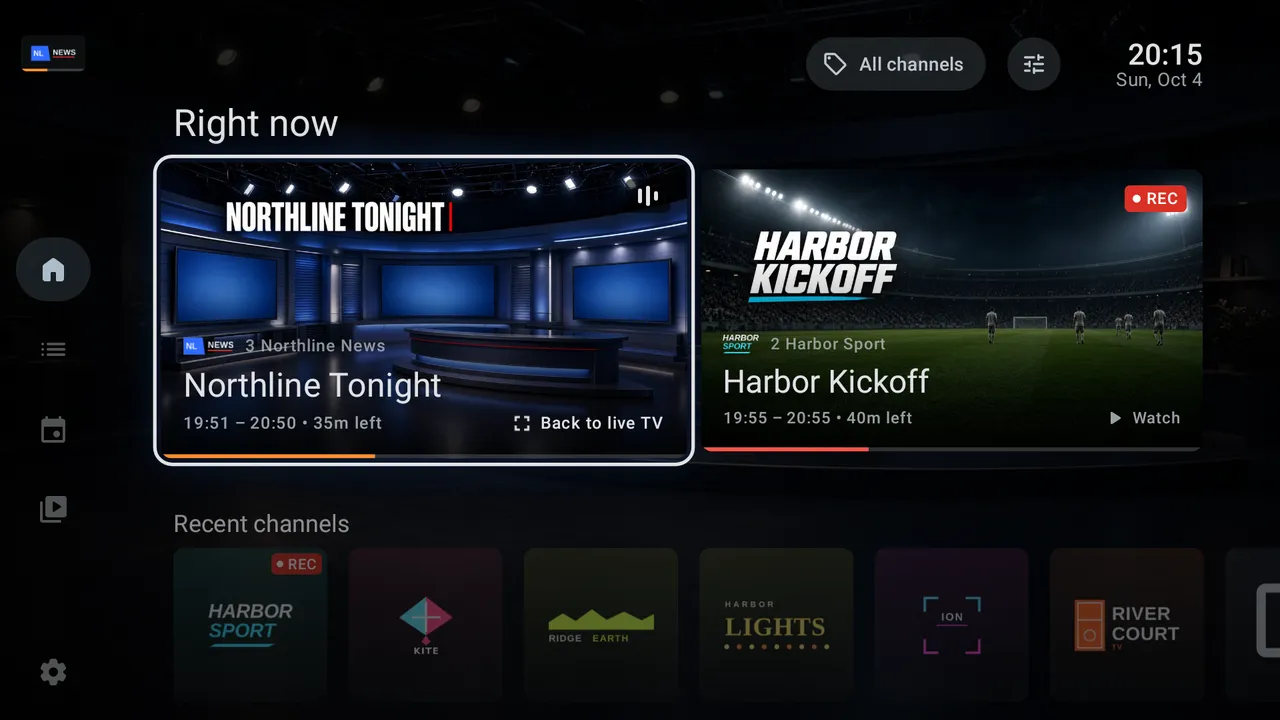
The TV does the picture.
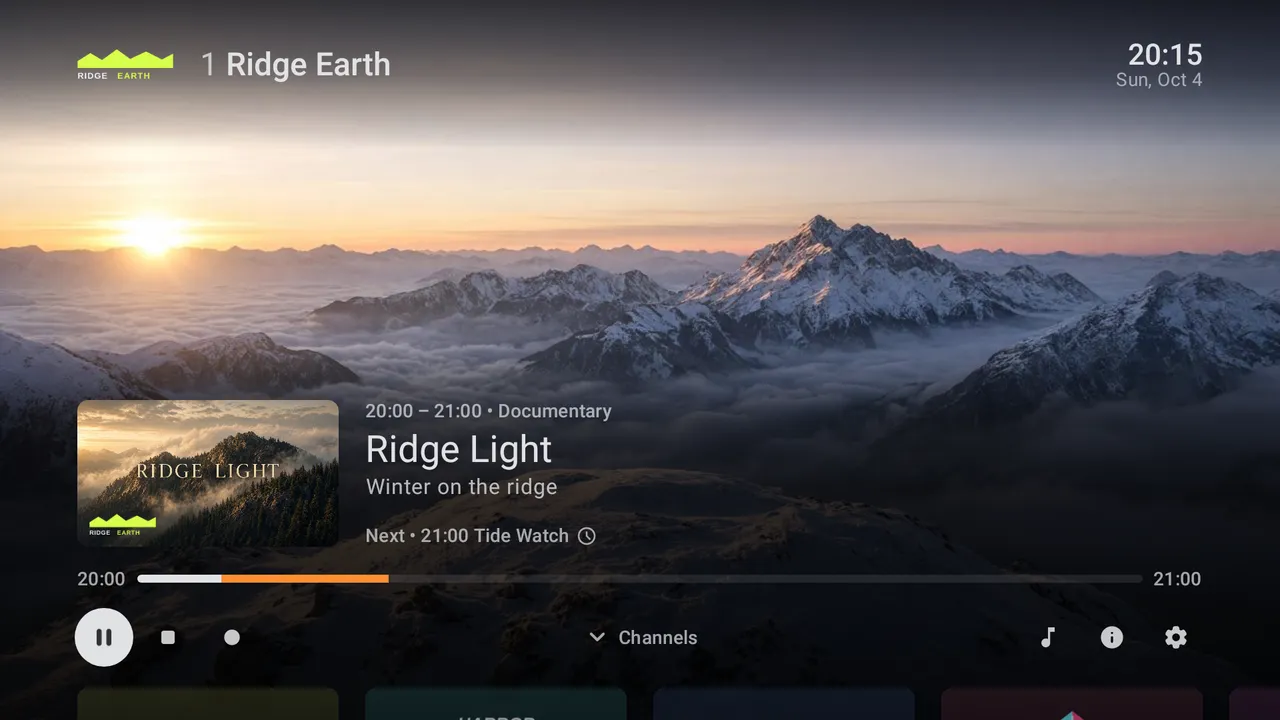
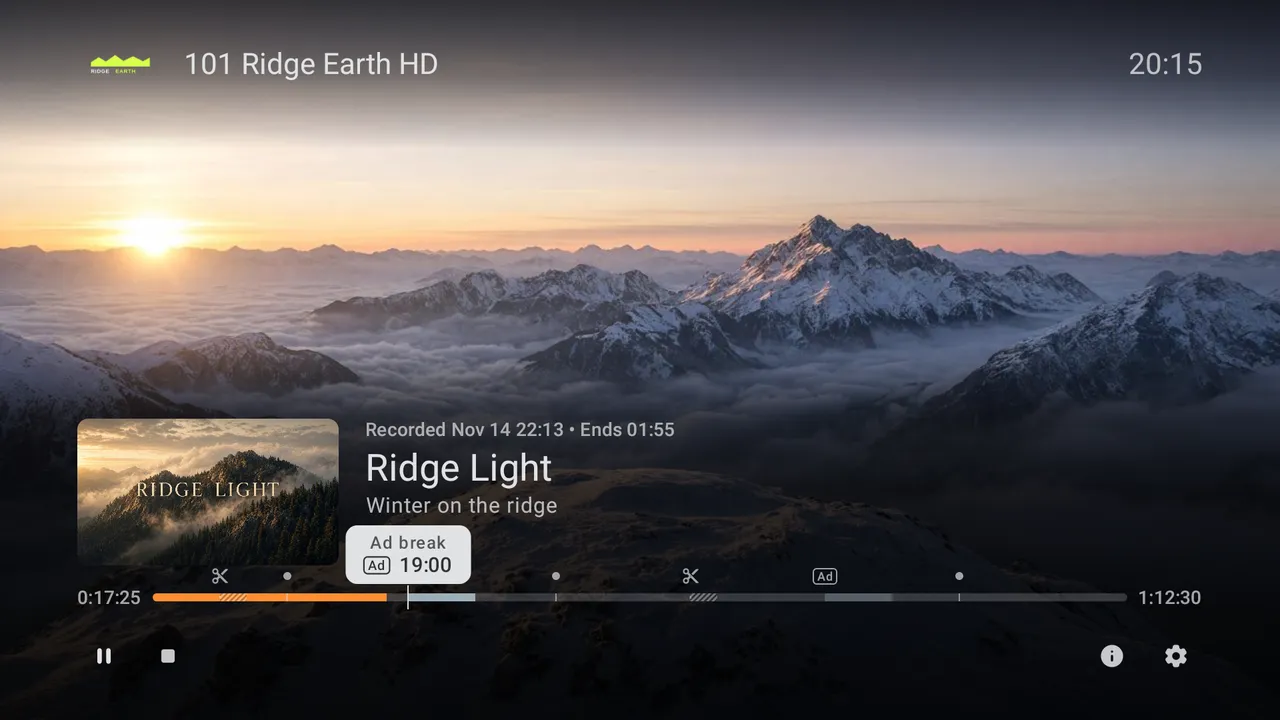
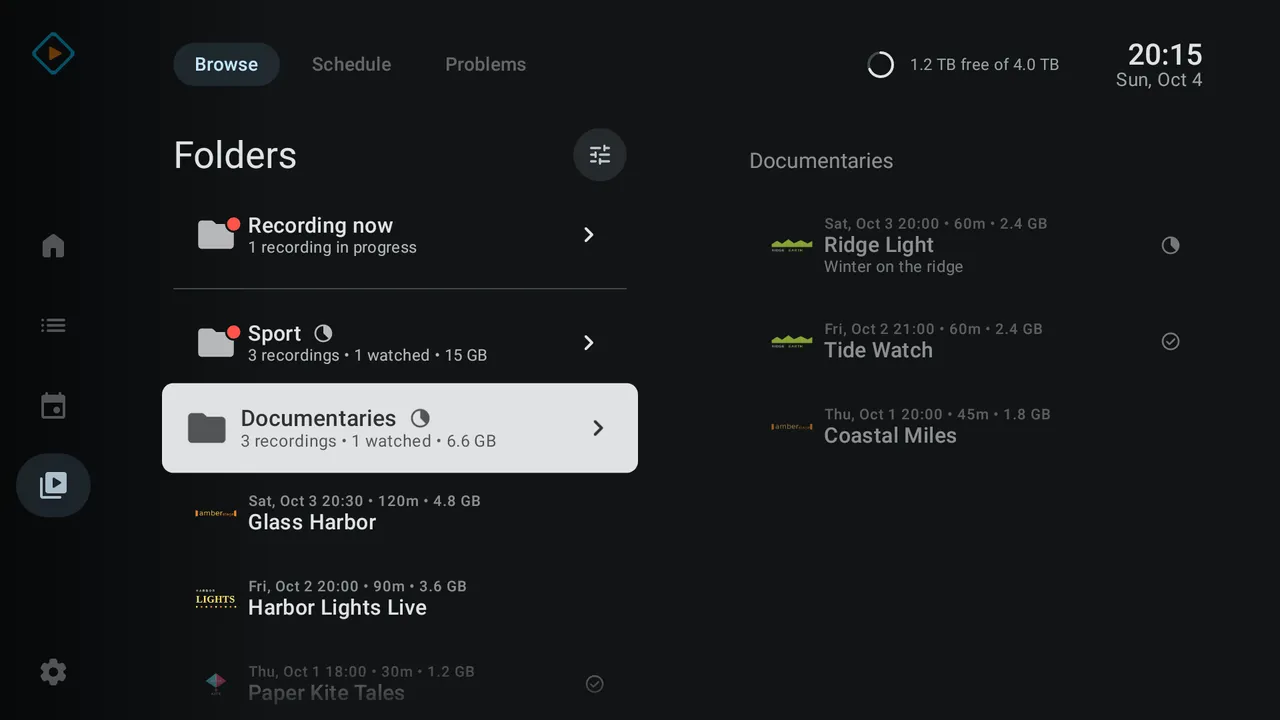
Up or Down brings up the time bar and the buttons: pause, record, audio and more.
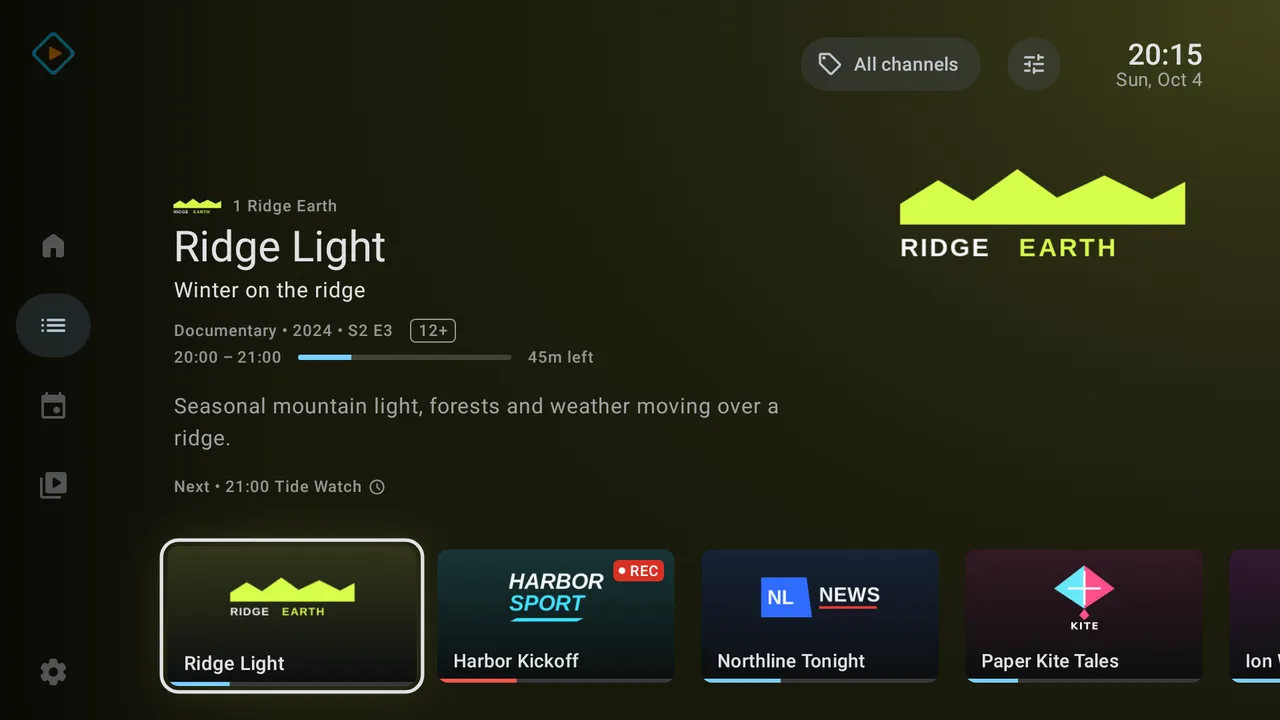
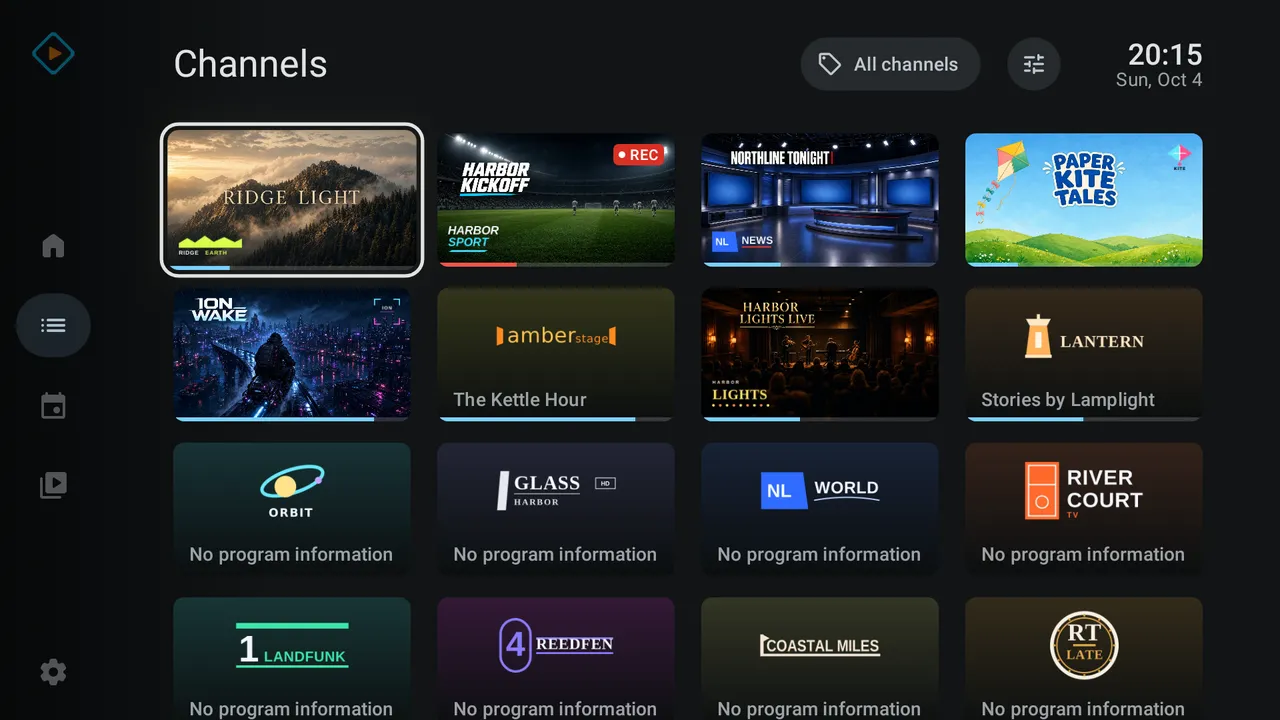
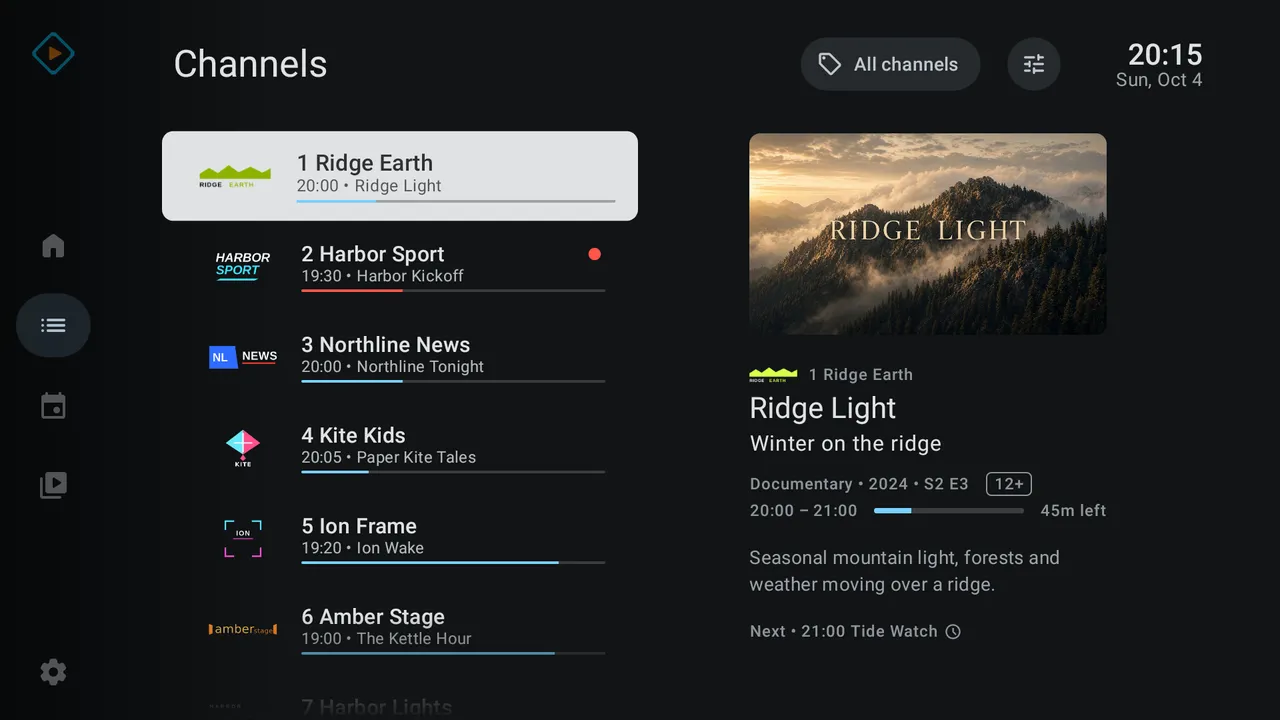
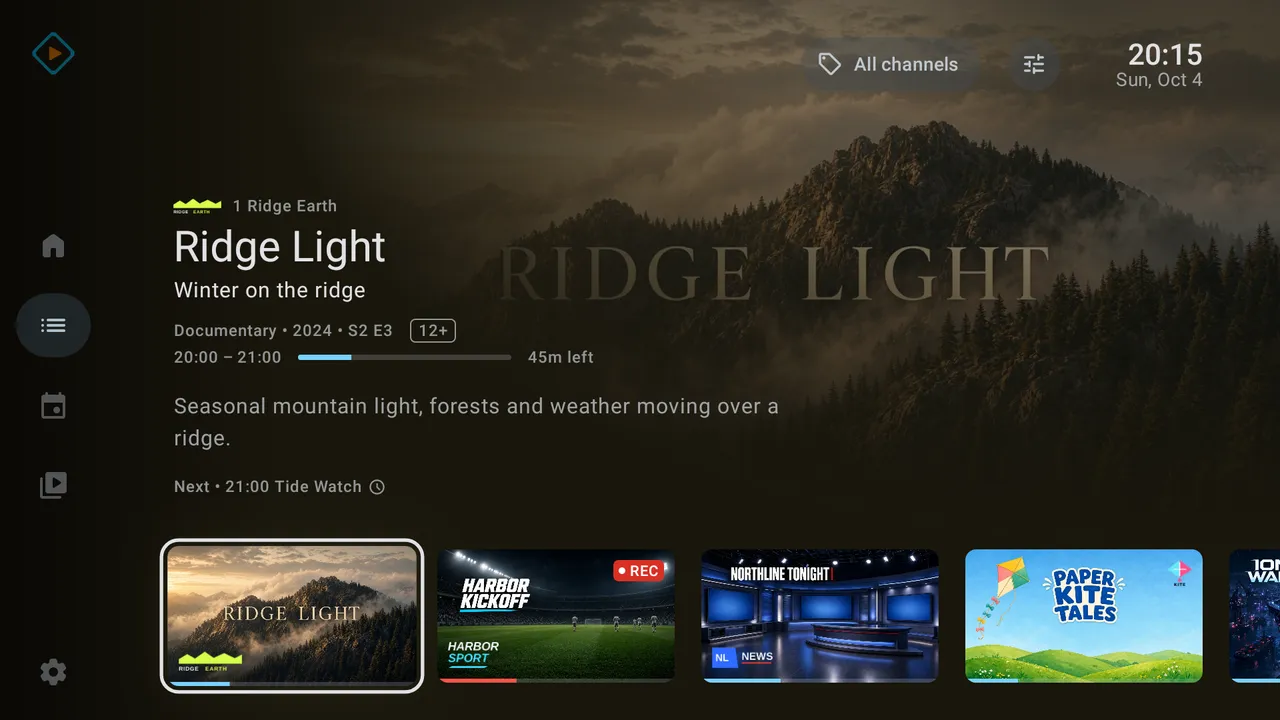
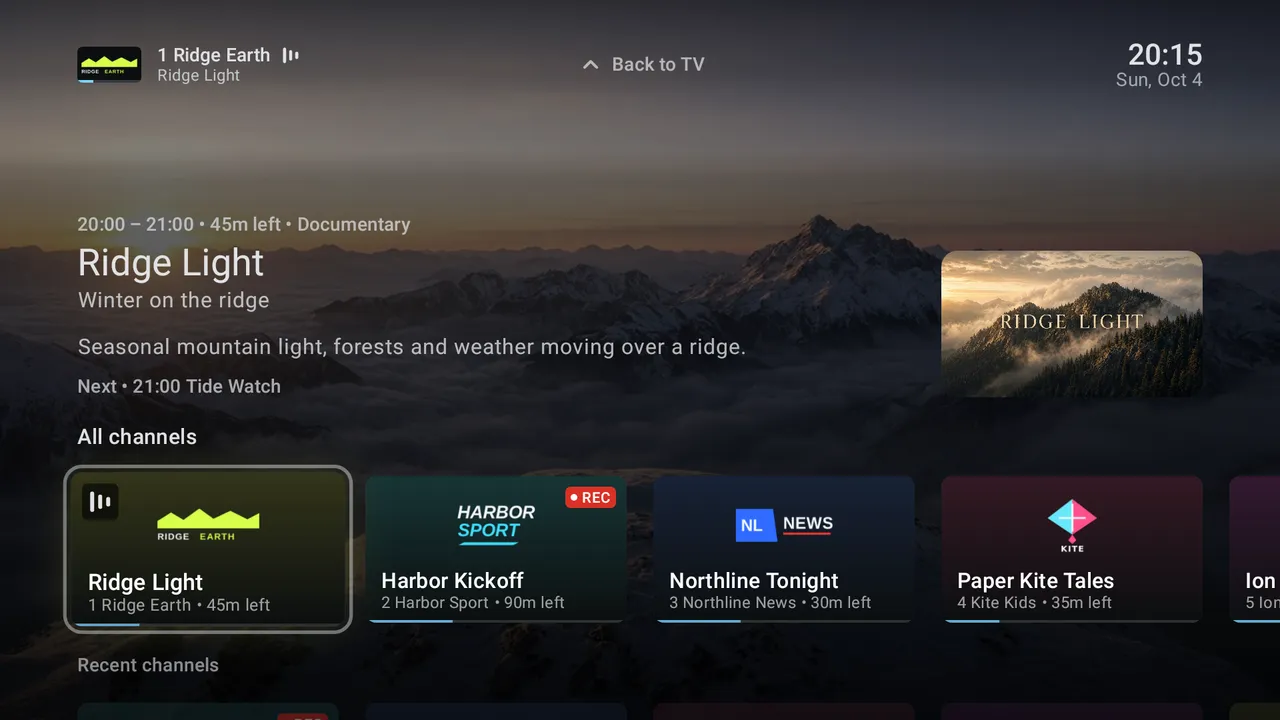
Down from the buttons opens a row of channels over the picture. OK switches to the one you pick.
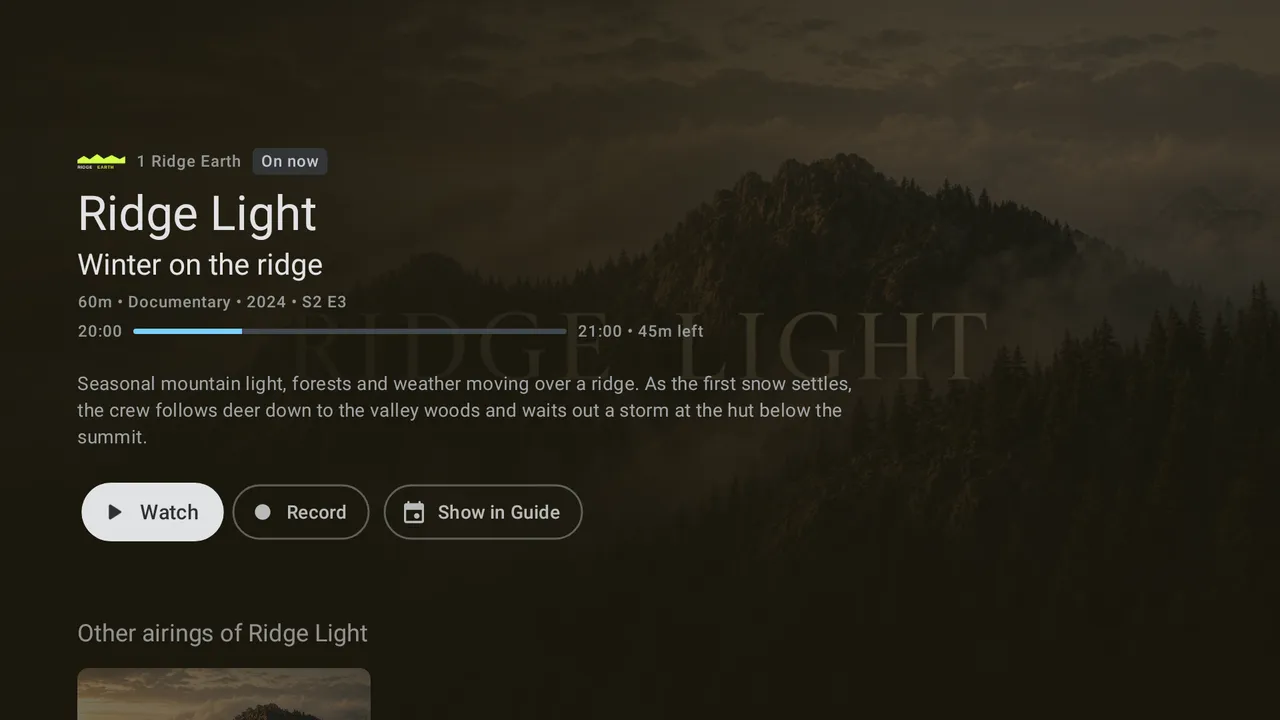
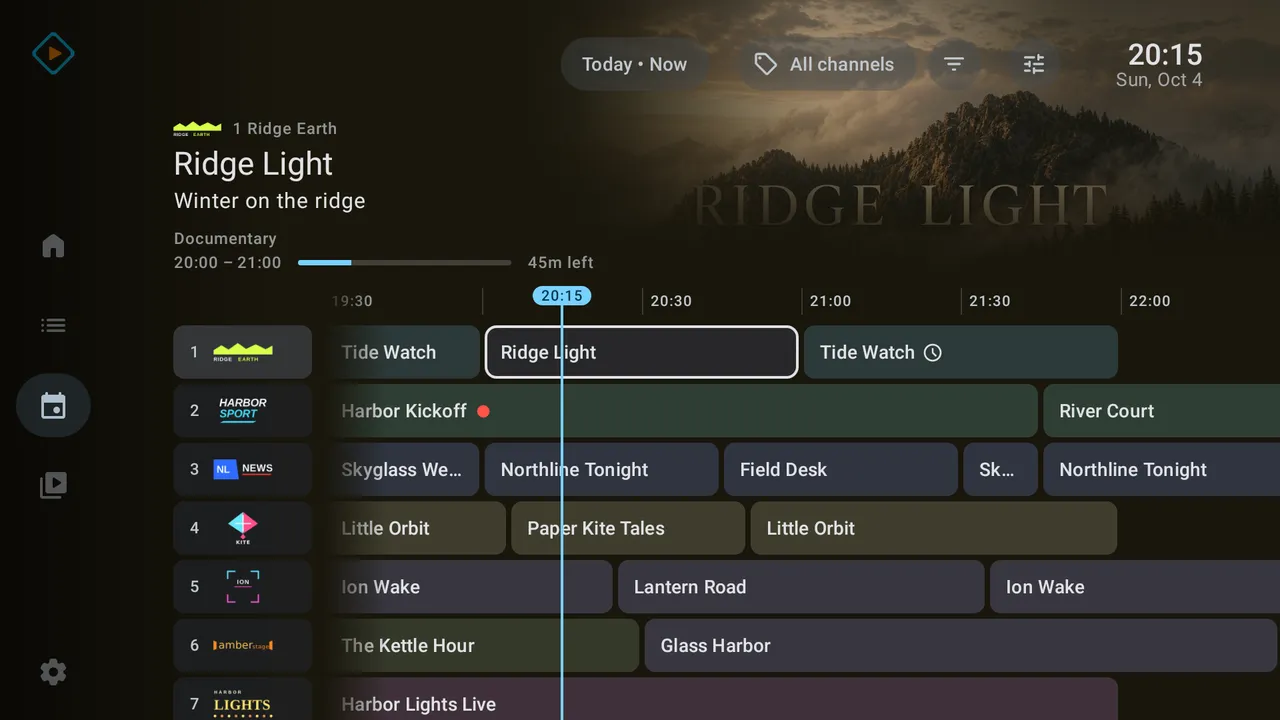
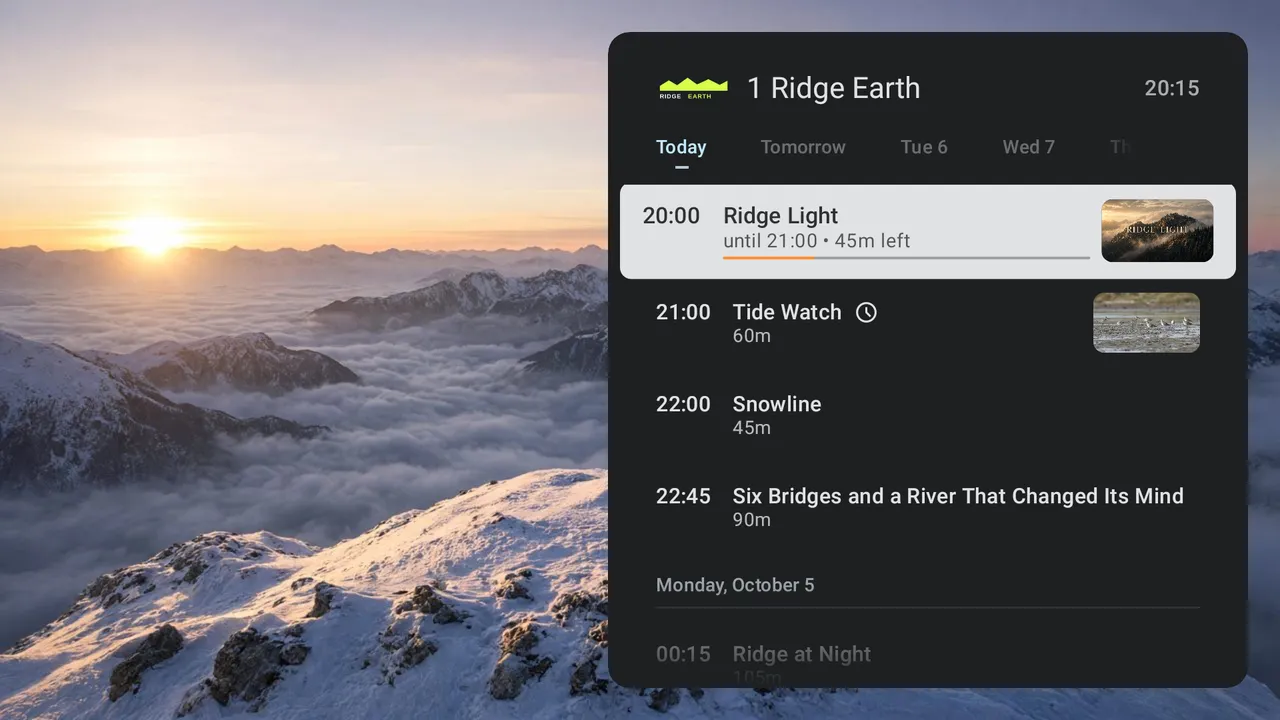
The Guide key or the Schedule button lists this channel's programs beside the picture.
Video goes to the TV's own decoder and display, at the channel's frame rate, with surround sound passed through. Pause and rewind live TV with your server's timeshift.